How to control
your EcoSpring

EcoSpring puts you in control, your way.
Adjust settings directly on the on-screen control panel, or manage everything from your phone using the EcoSpring SmartLife App.
Watch the videos below to see just how easy it is to customise your hot water and maximise your savings.

EcoSpring Phone App Videos

To start using the App to control you EcoSpring you will first have to donwload the App, scan the QR below, and register yourself on the SmartLife App.

ES App QR

Once this is complete follow the step by step videos to get the most out of your EcoSpring.

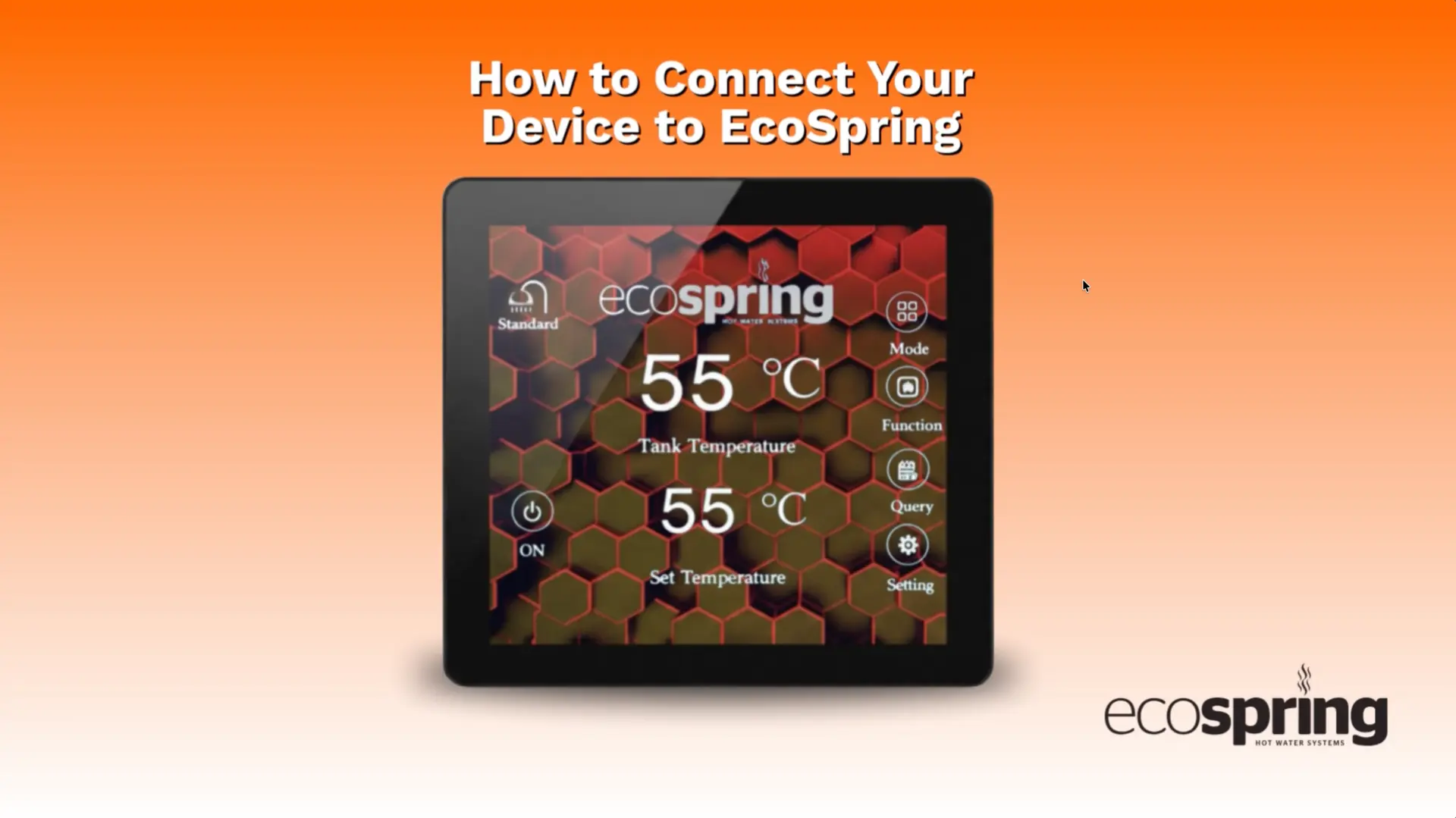
1. How to connect your device

How to Connect your Device

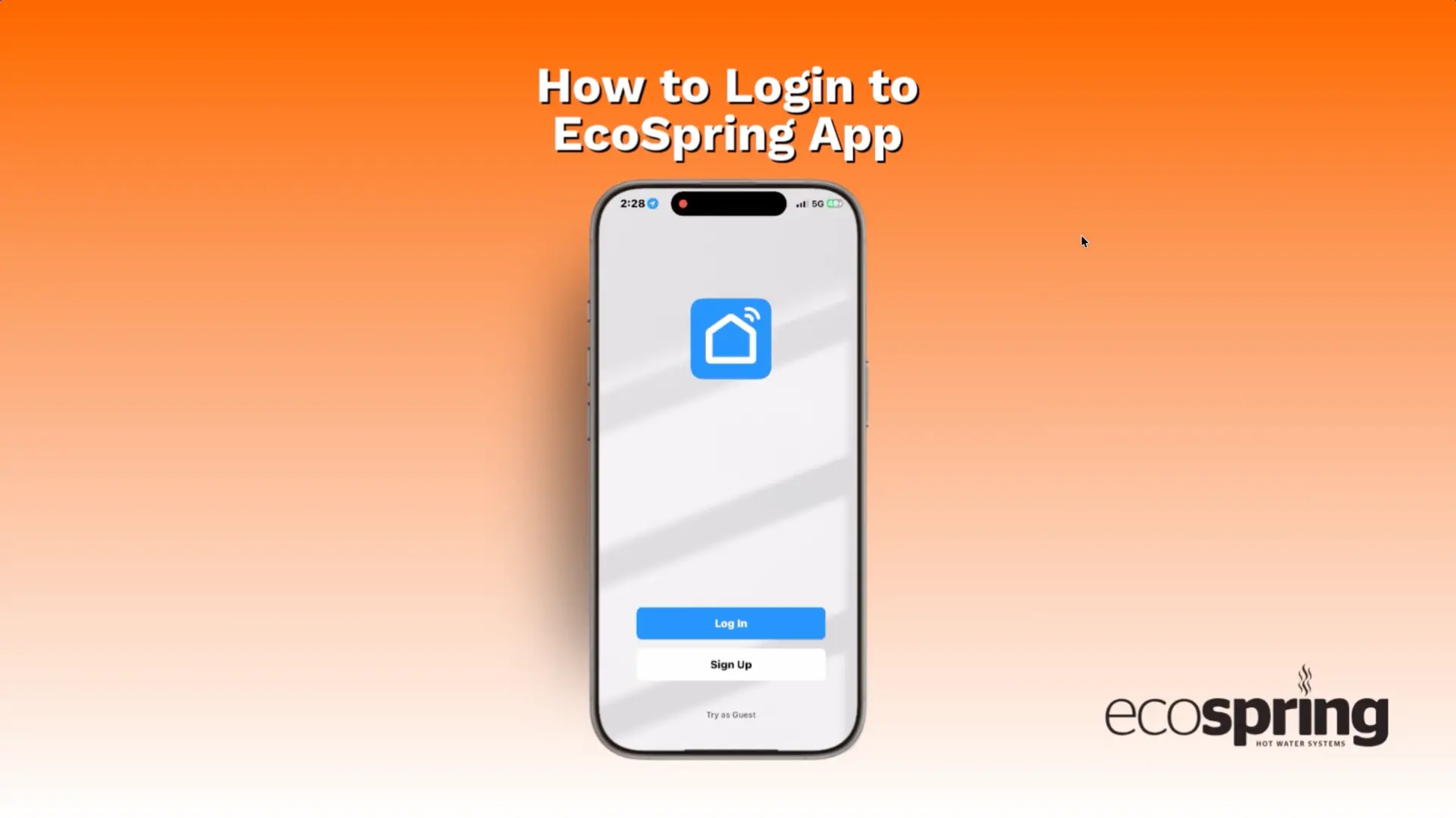
2. How to log into the app

How to Login to the App

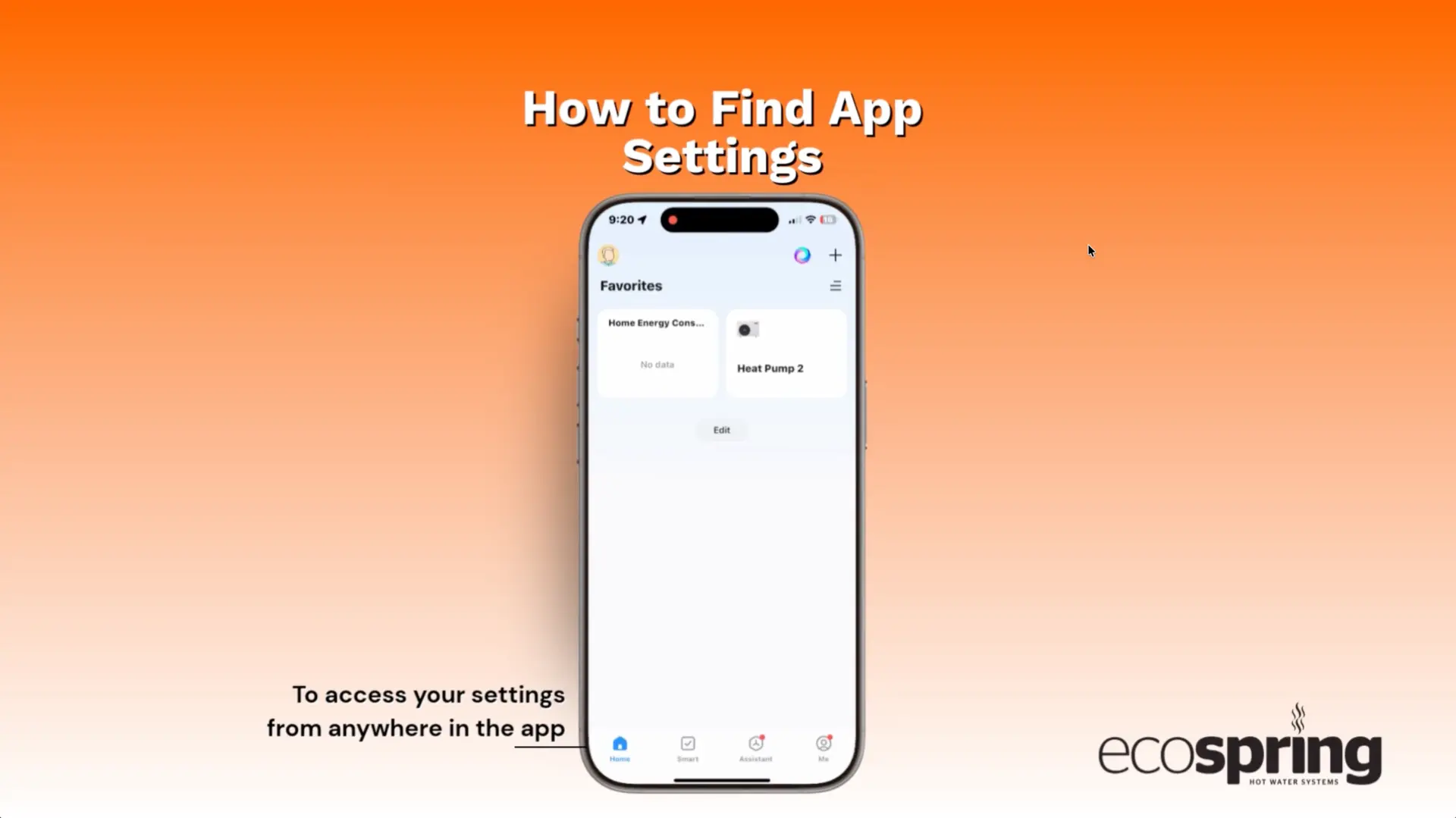
3. How to find app setting

How to find the App Settings

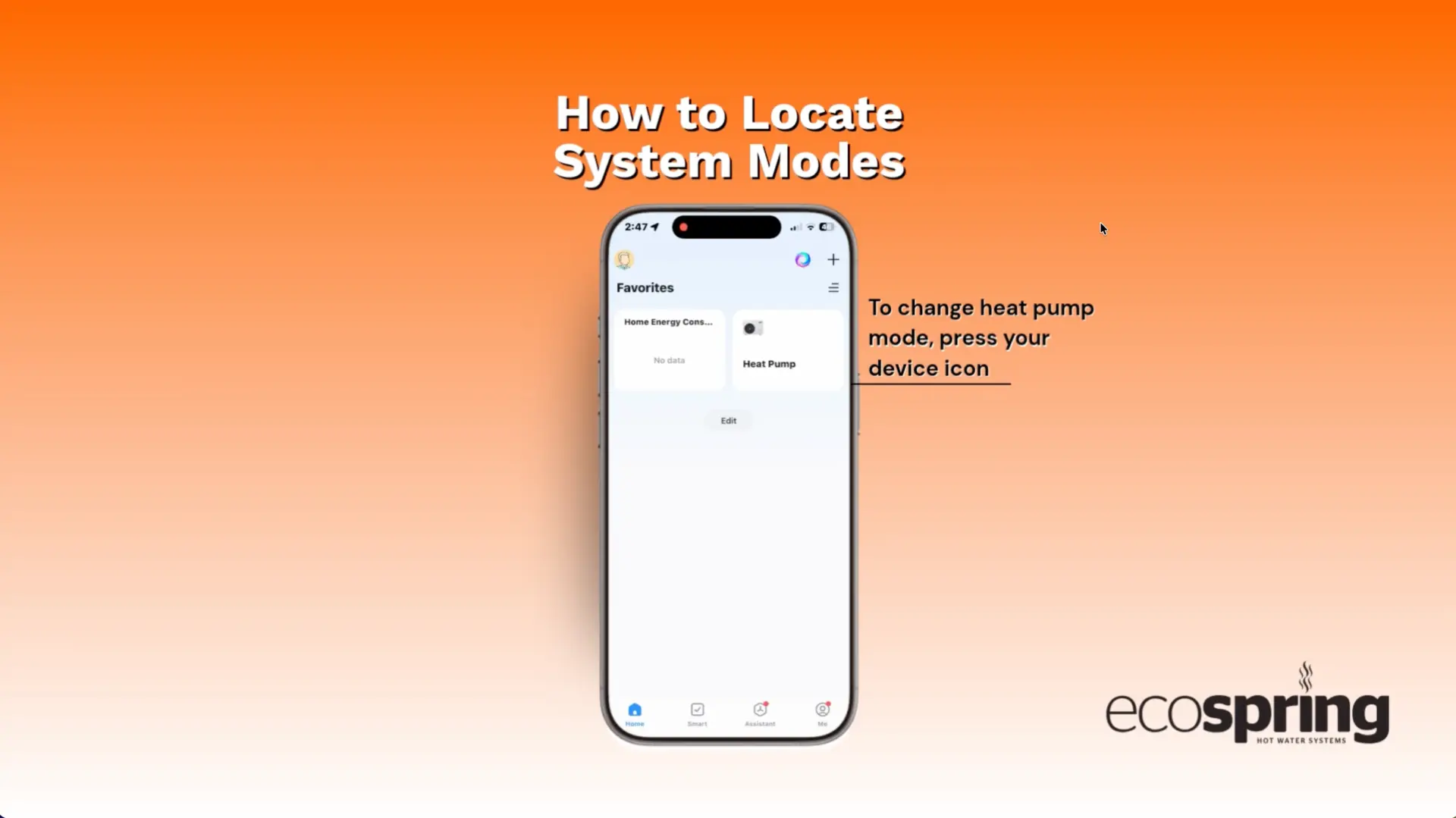
4. How to locate system modes

How to locate System Modes

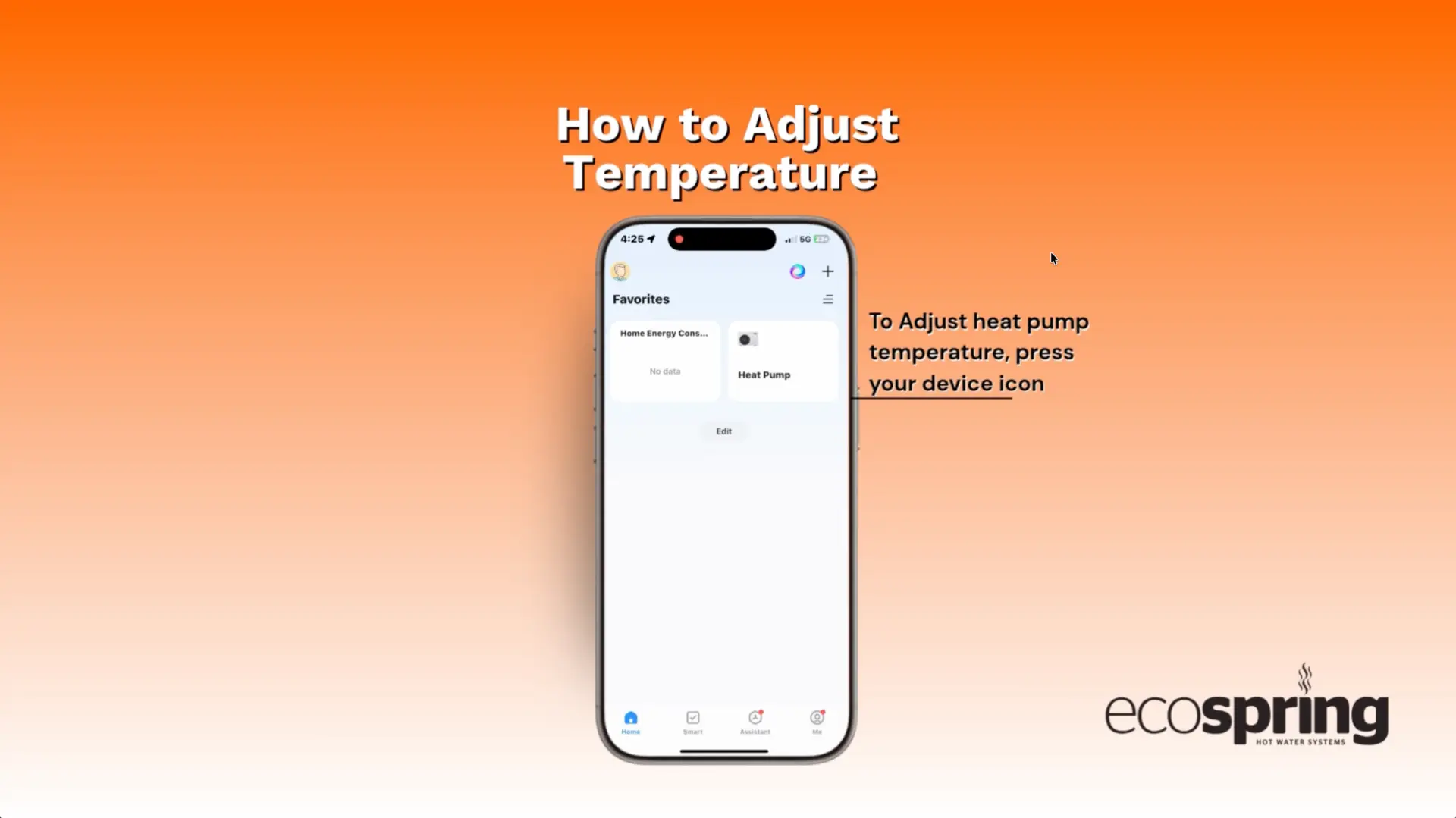
5. How to adjust temperature

How to Adjust Temperature

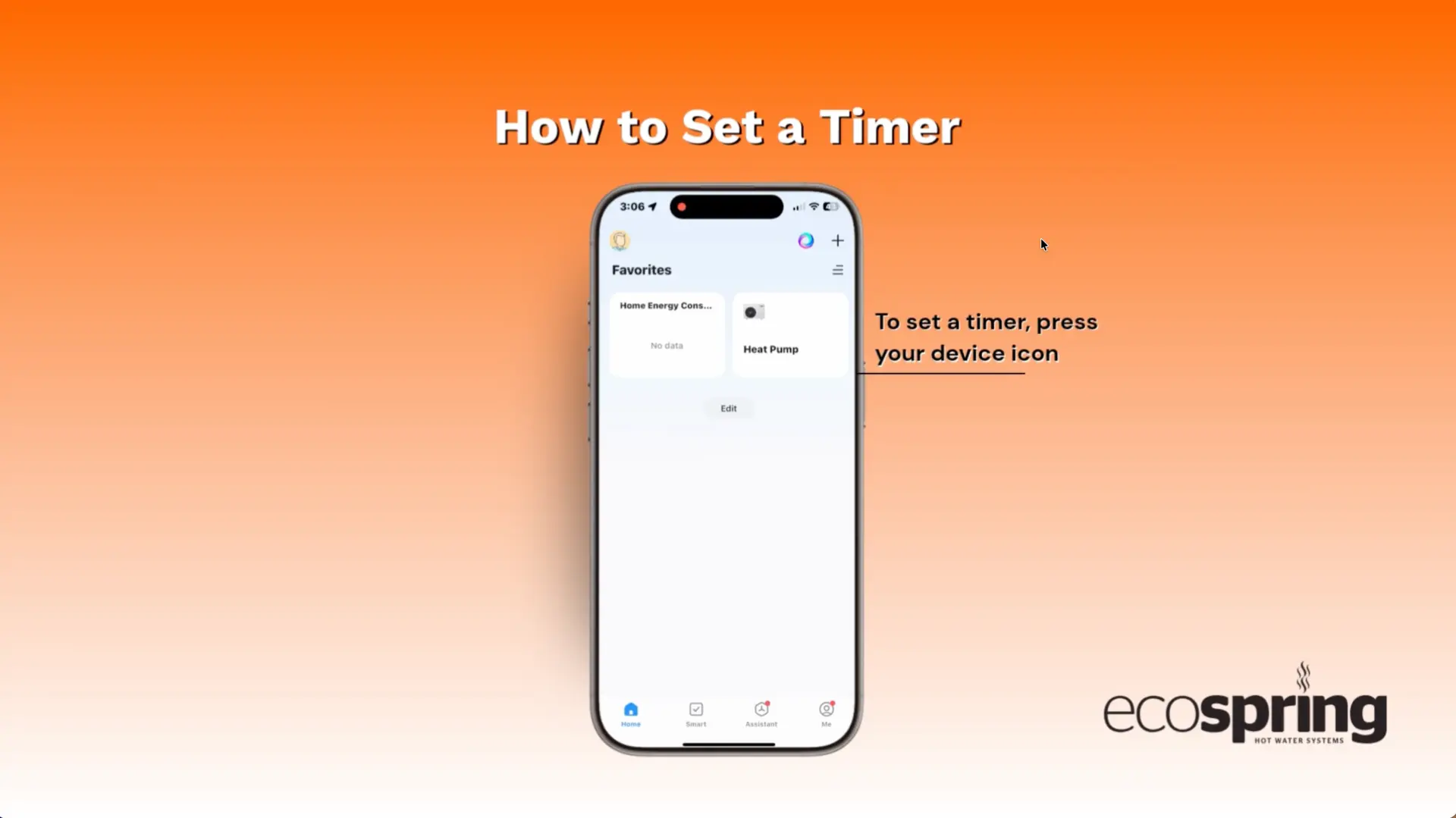
6. How to set timer

How to Set Timer

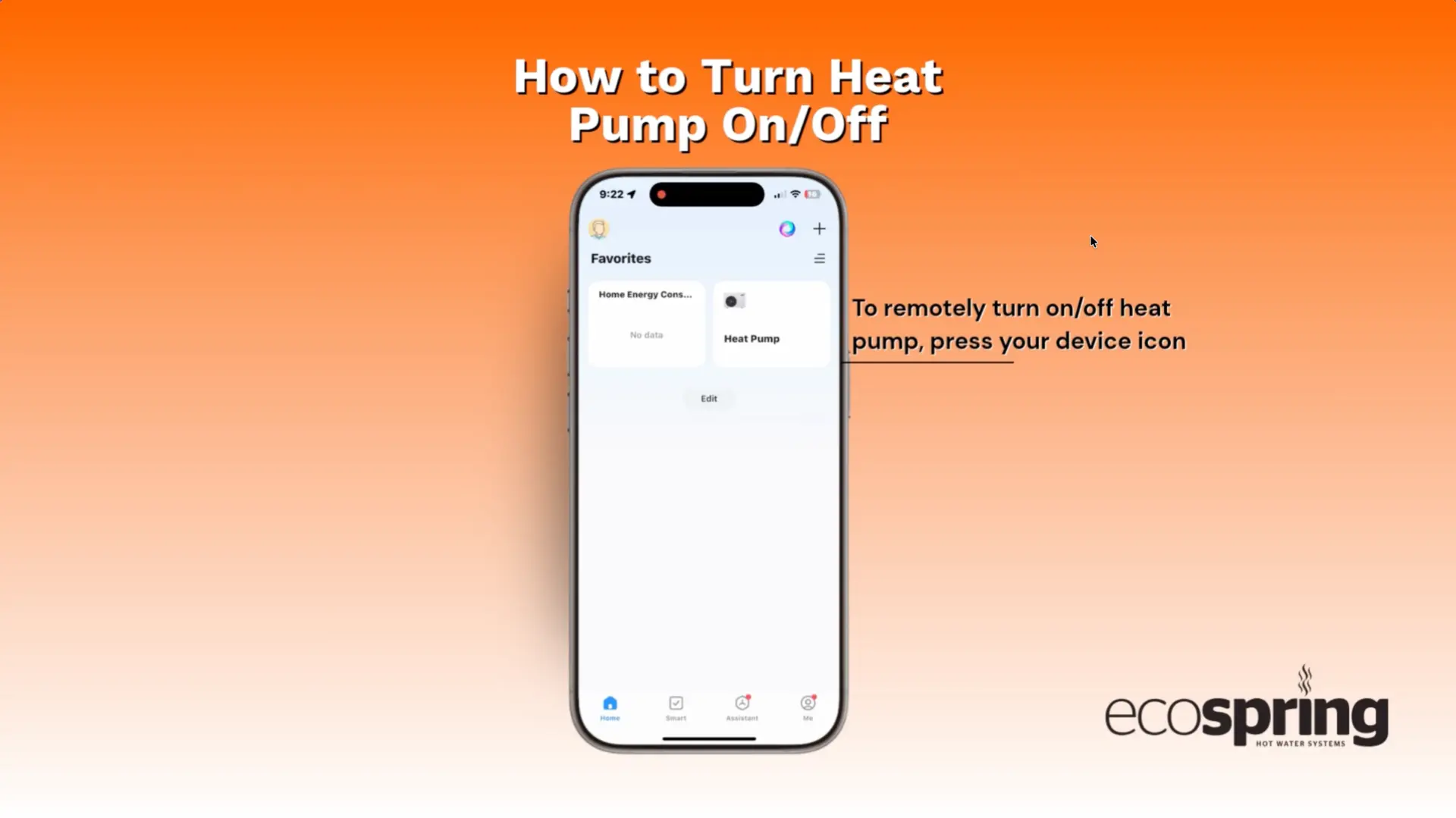
7. How to turn heat pump on off

How to turn Heat Pump On-Off

EcoSpring Cylinder Control Panel Videos

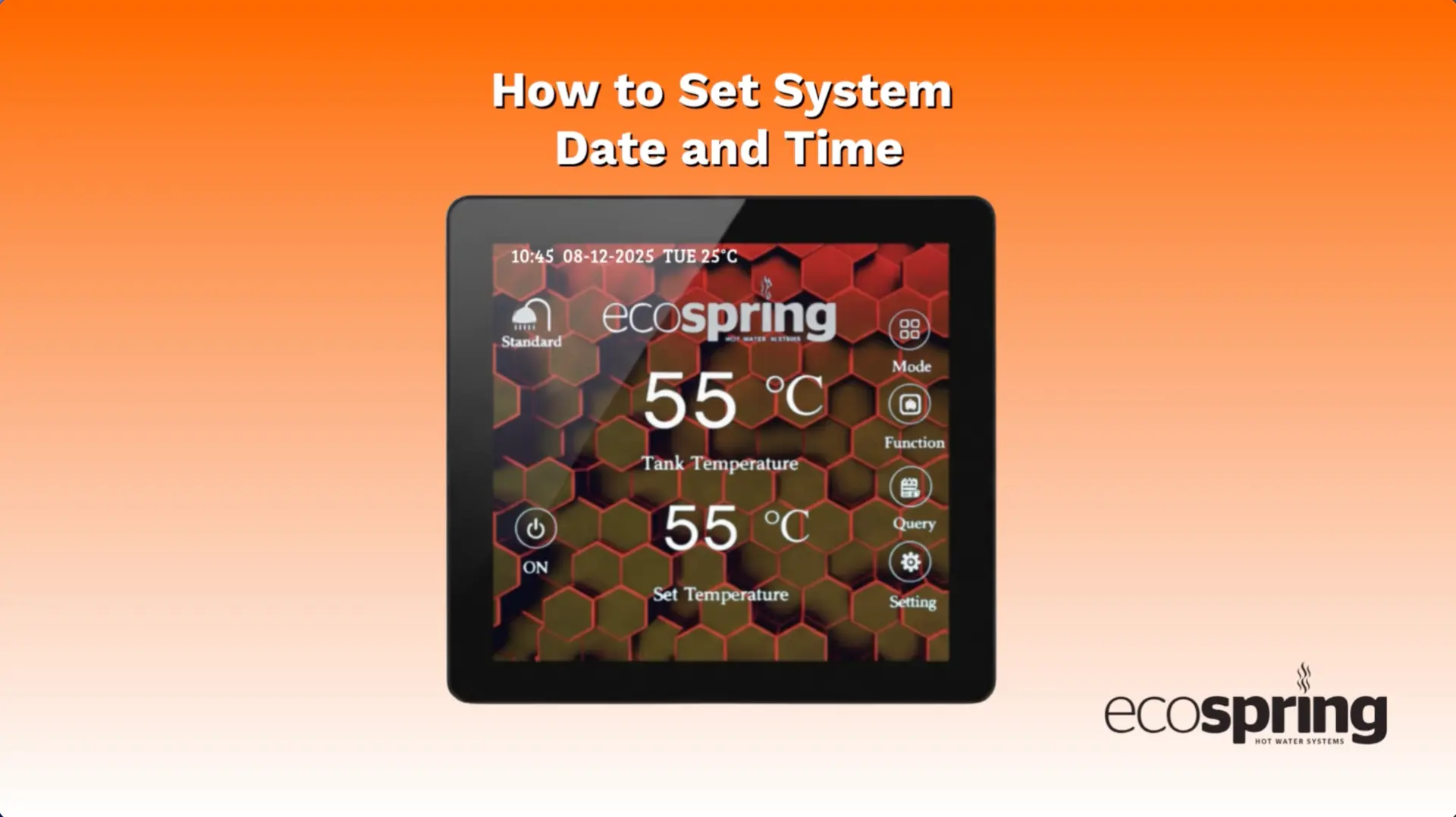
1. How to set system date and time

How to Set System Date and Time

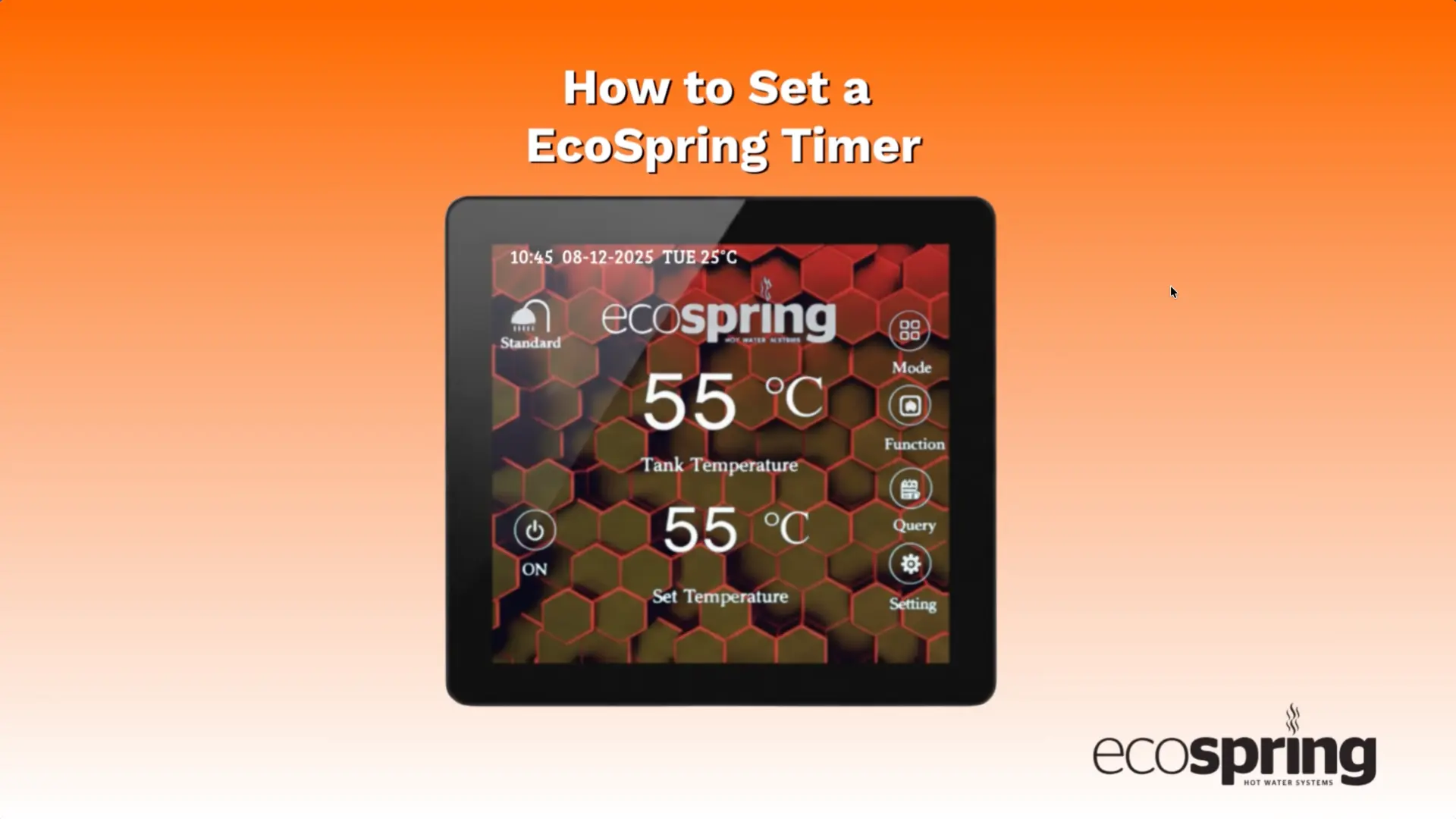
2. How to system set timer

How to Set a EcoSpring Timer

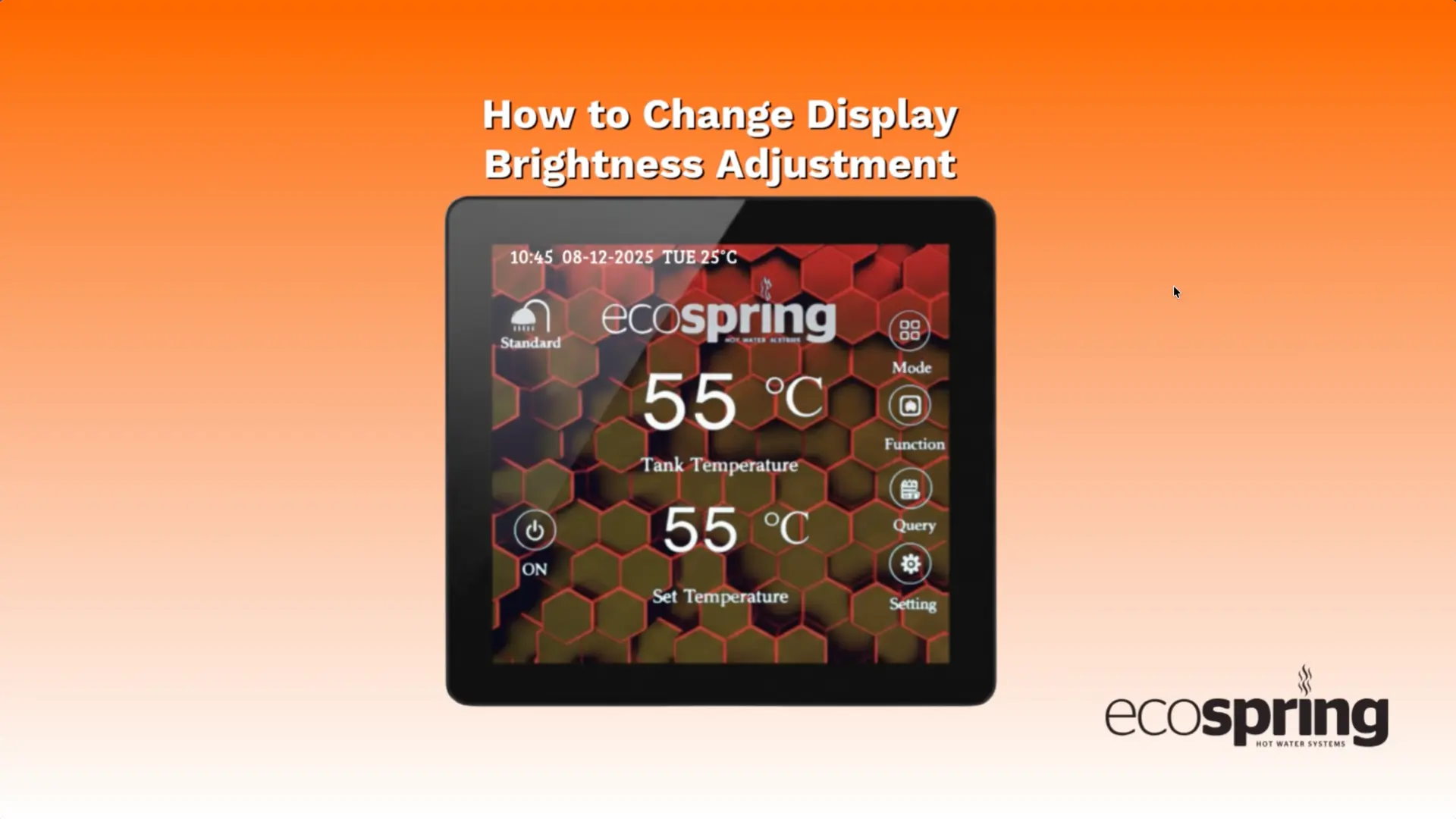
3. How to adjust display brightness

How to Change Brightness Adjustment

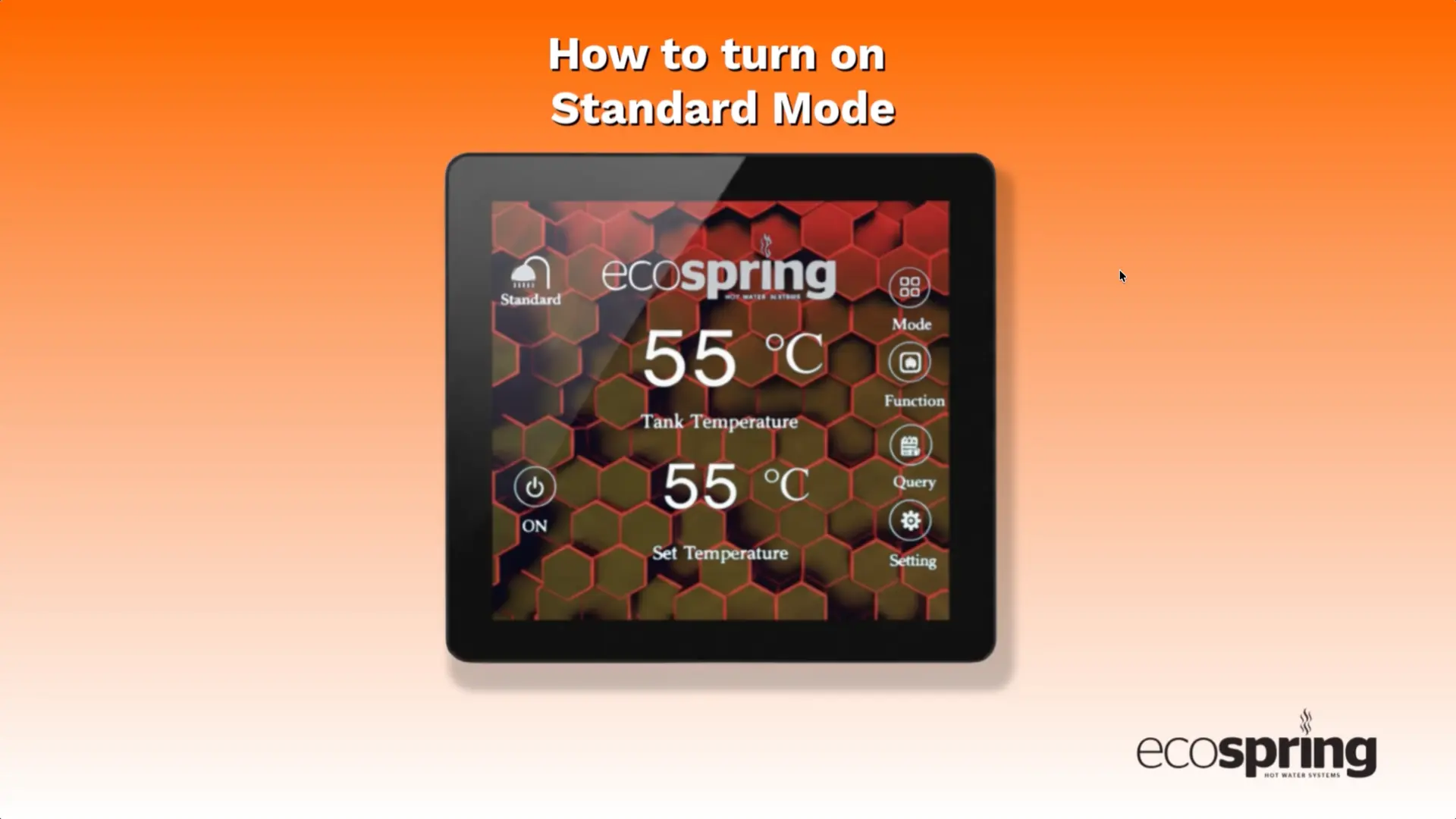
4. How to turn on standard mode

How to turn on Standard Mode

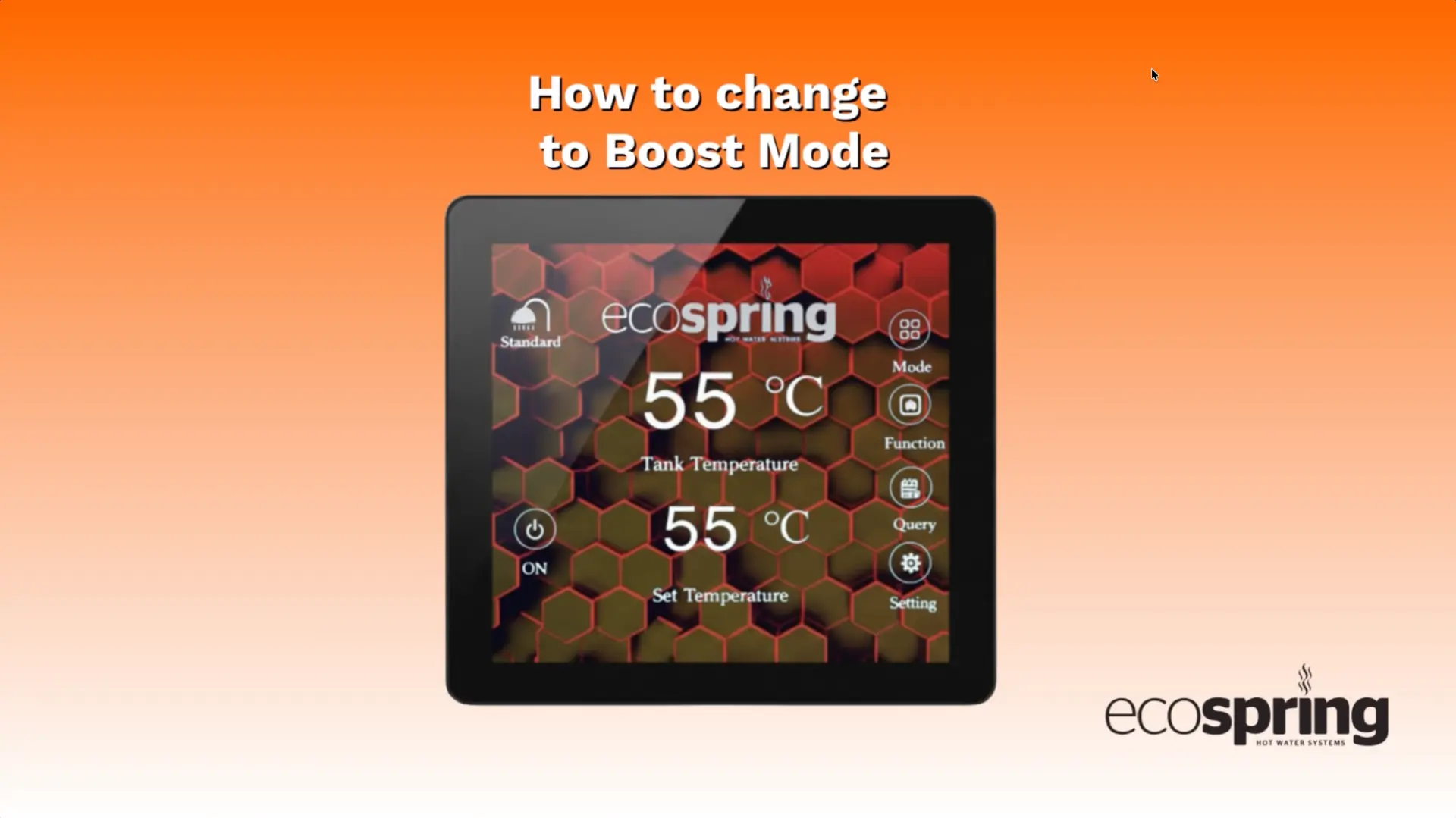
5. How to change to boost mode

How to change to Boost Mode

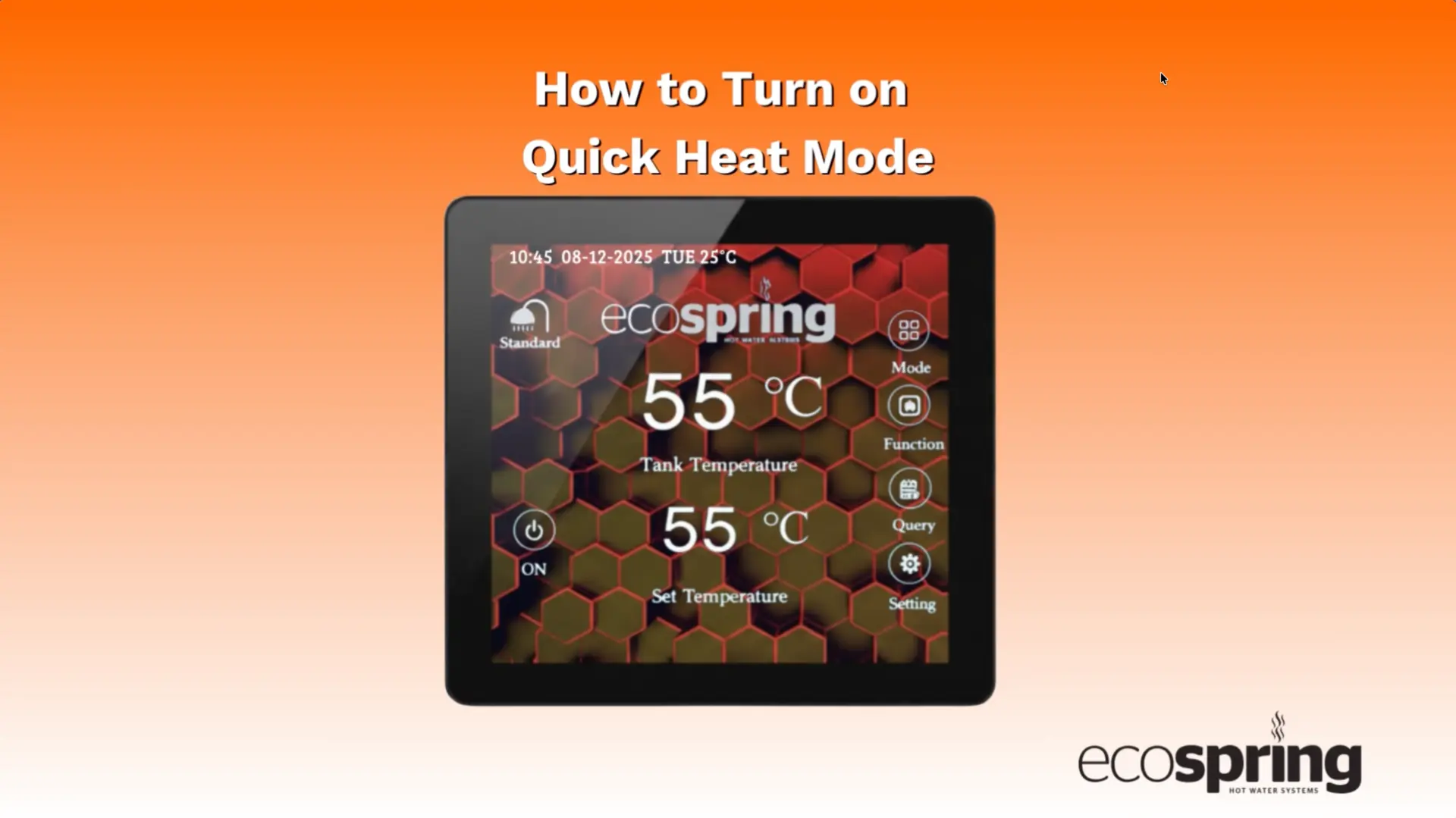
6. How to turn on quick heat mode

How to Turn on Quick Heat Mode

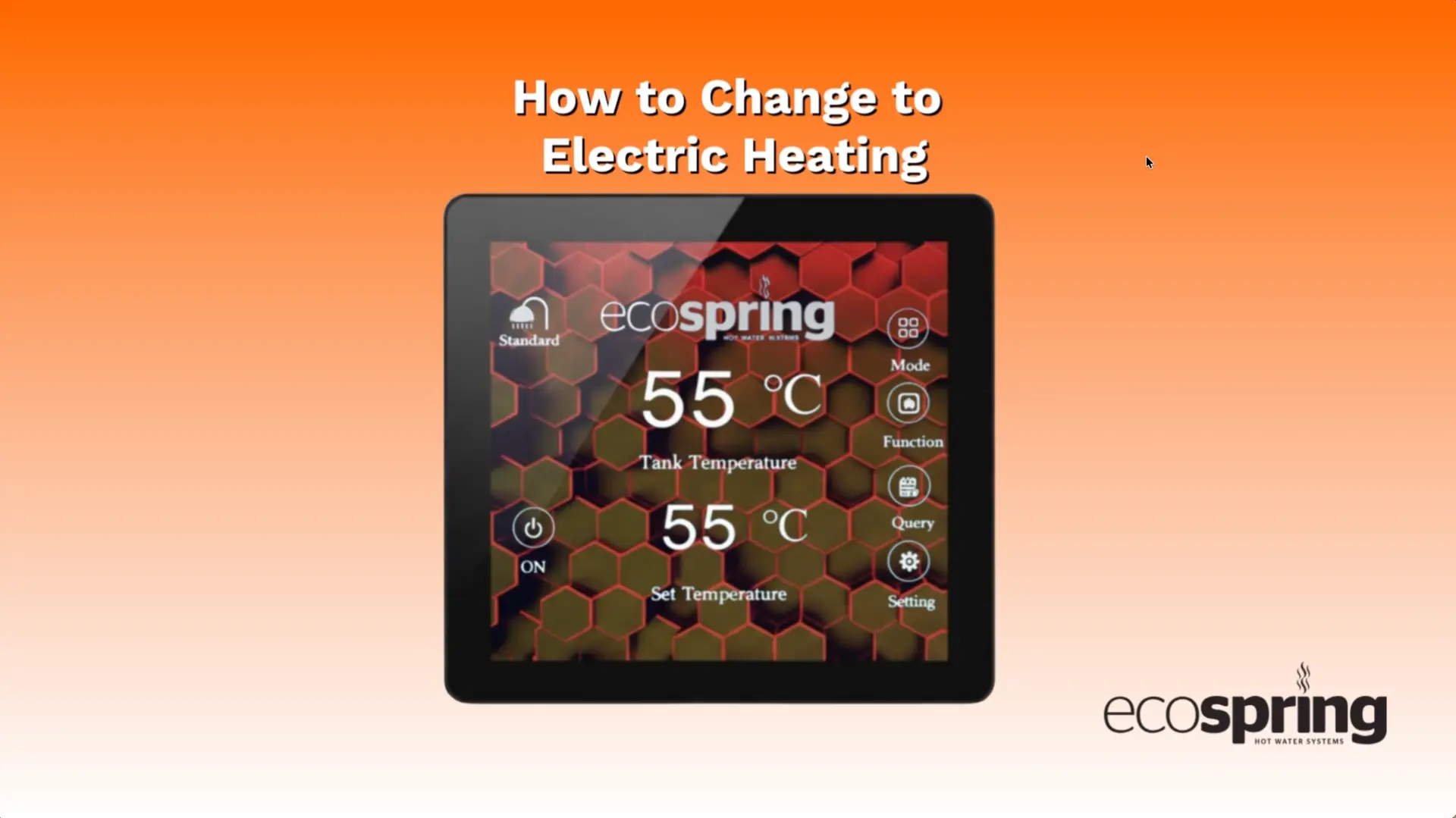
7. How to change to electric heating

How to Change to Electric Heating

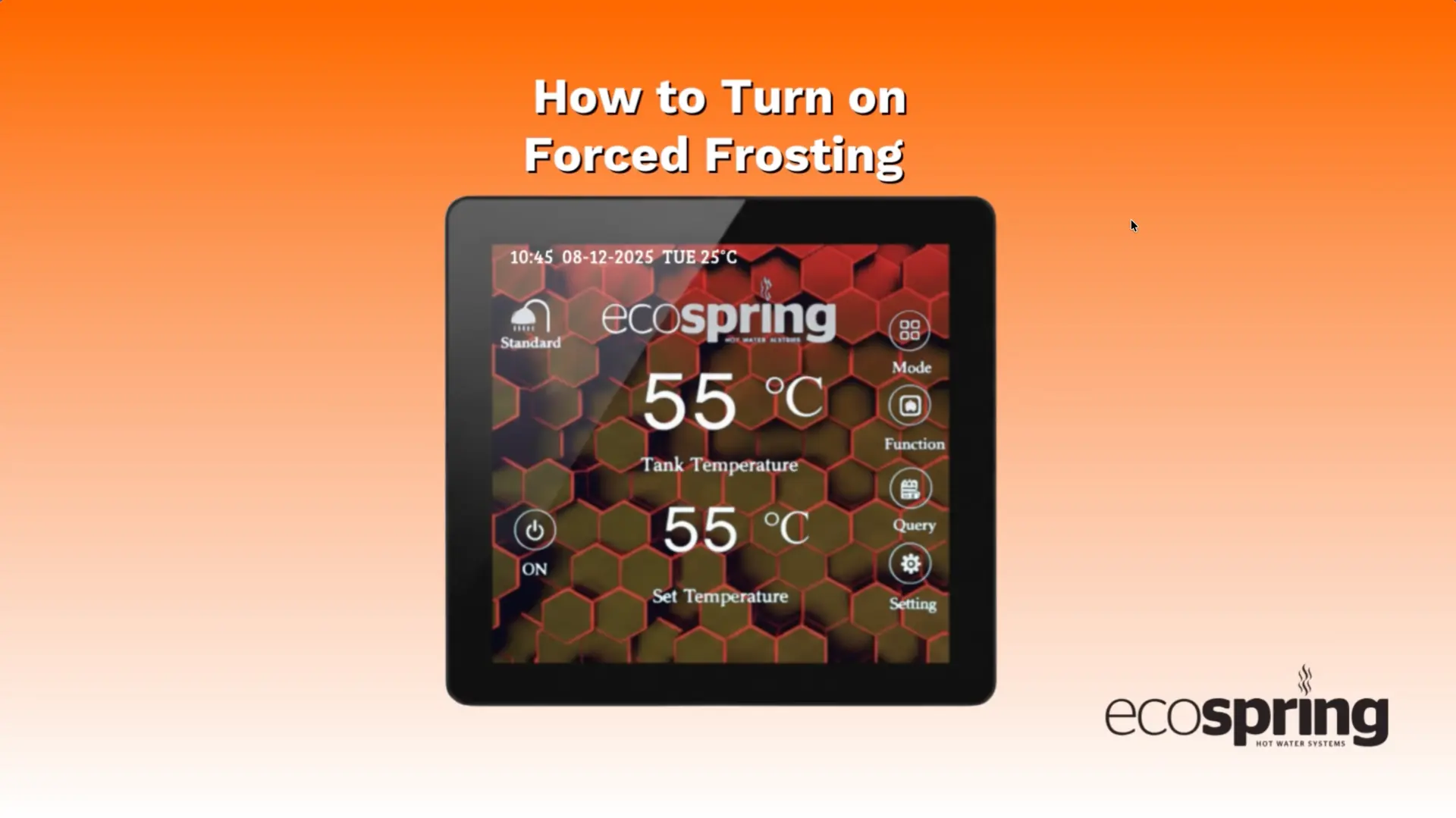
8. How to turn on forced frosting

How to Turn on Forced Frosting

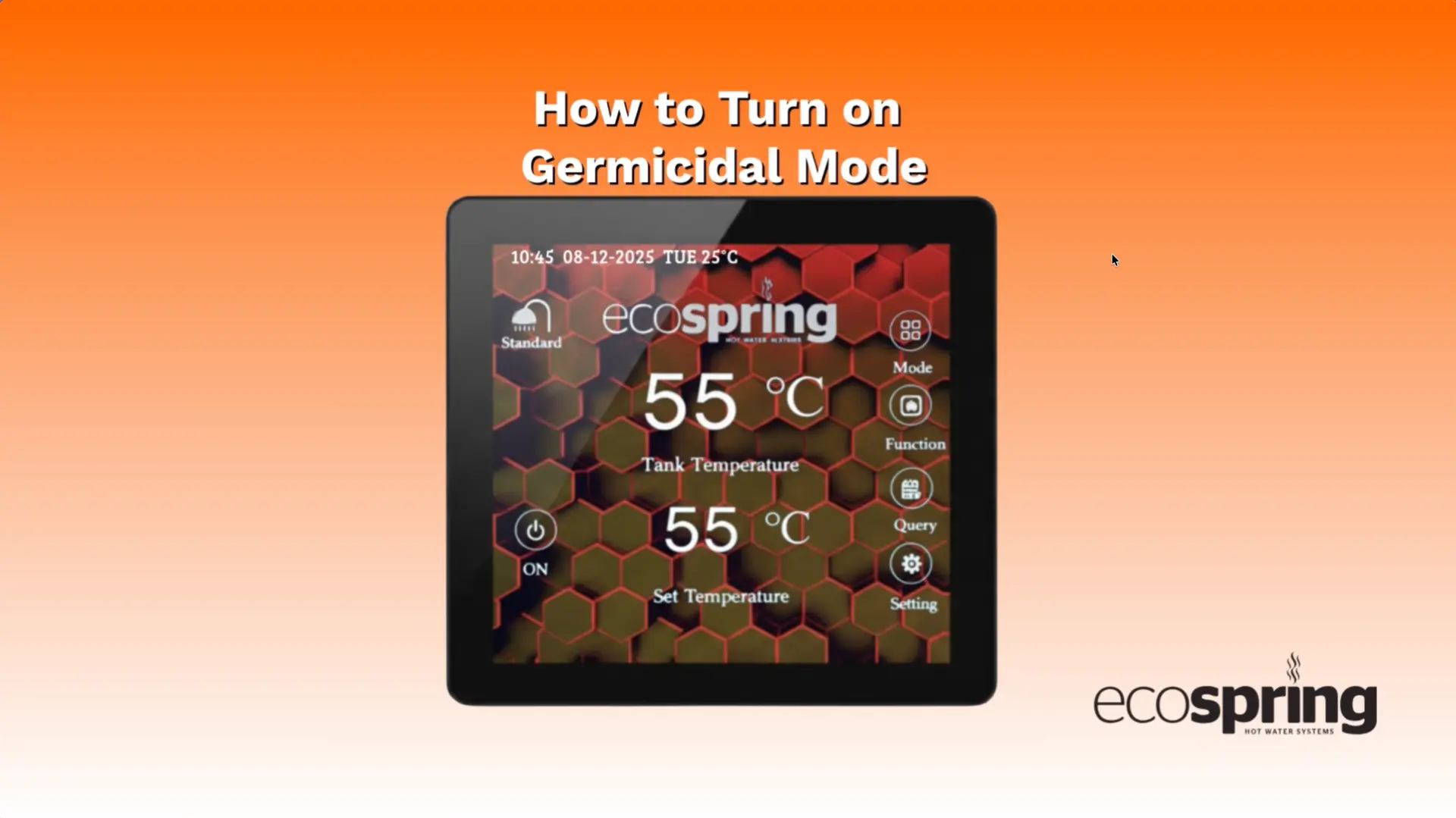
9. How to turn on germicidal mode

How to Turn on Germicidal Mode

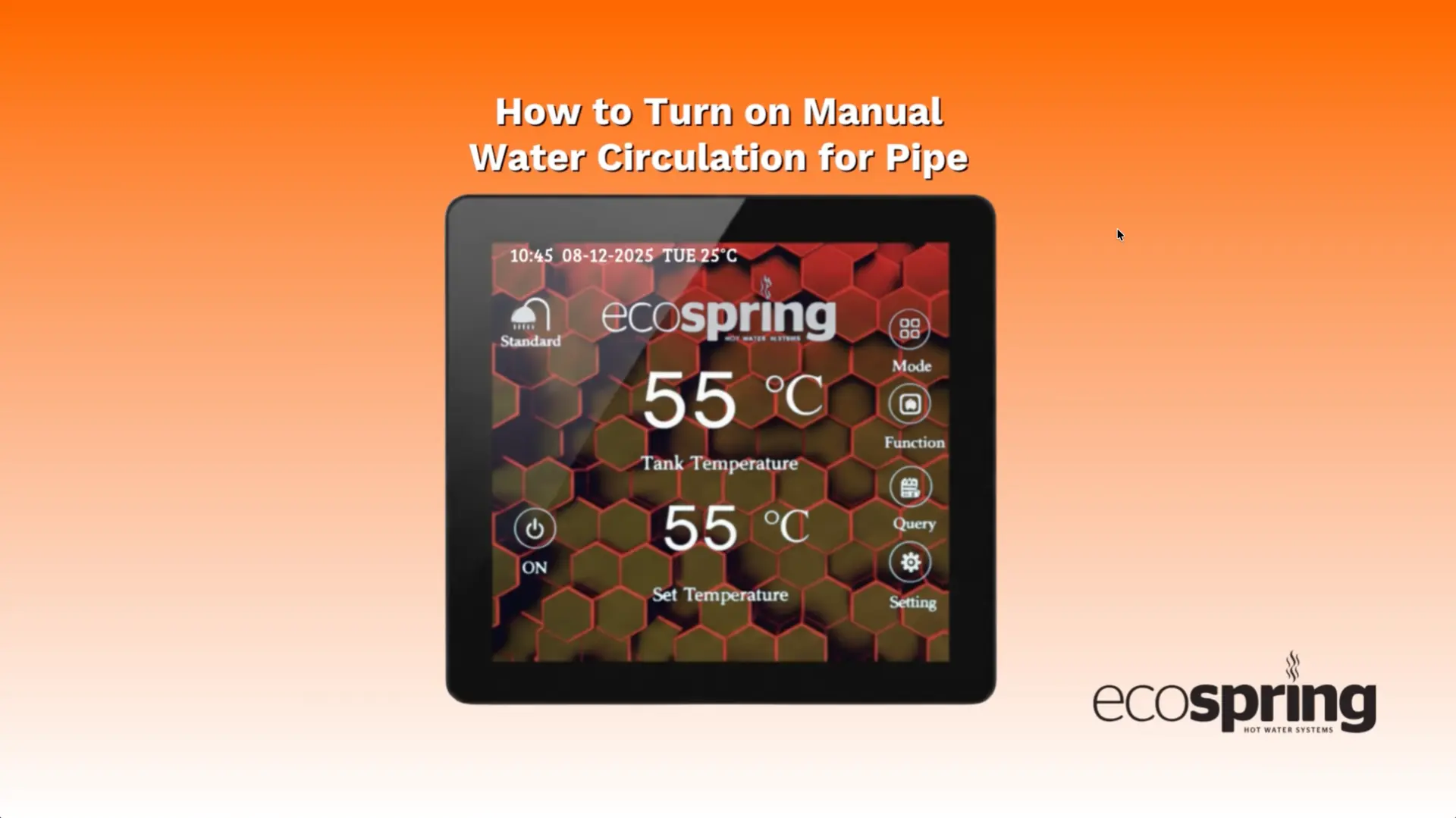
10. How to turn on manual water circulation

How to turn on manual Water Circulation